


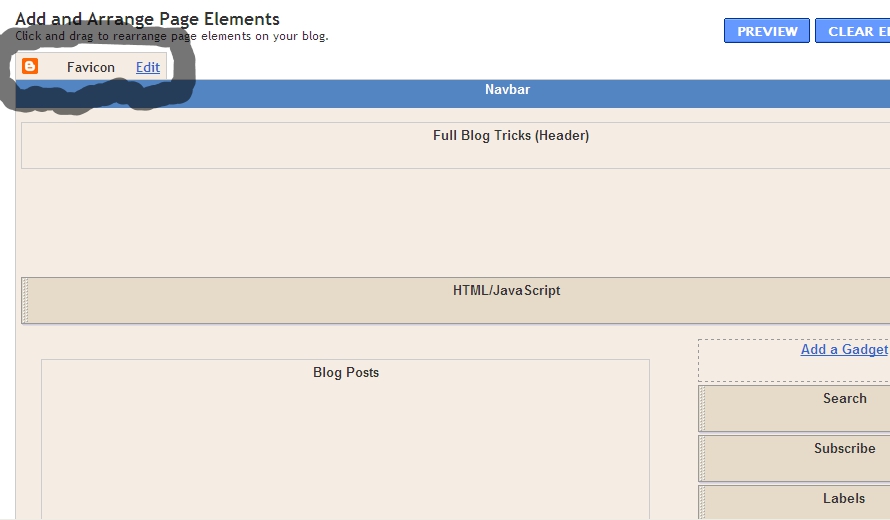
Then, how to add the favicon? You just click "Edit" on Favicon menu. The, you can upload you favicon file (a file with .ico). Just share some tips, you can get a file with .ico in http://www.favicongenerator.com/. Firstly, upload you picture, and FaviconGenerator will be generate into .ico. So, we just waiting what is Blogger next update...
Posted by R2blog. R2blog auto post for blogspot. Download at http://R2blogger.blogspot.com


I am not good at English but, thanks to the writer as the given content is really very easy to understand because of simple sentences. You also should learn this post to know more and more.Can I in any way get free Bullguard?
ReplyDelete